

.NET Rules Engine
Business logic humans can read and machines can run. One copy of your rules: the owner reads it, every system runs it.
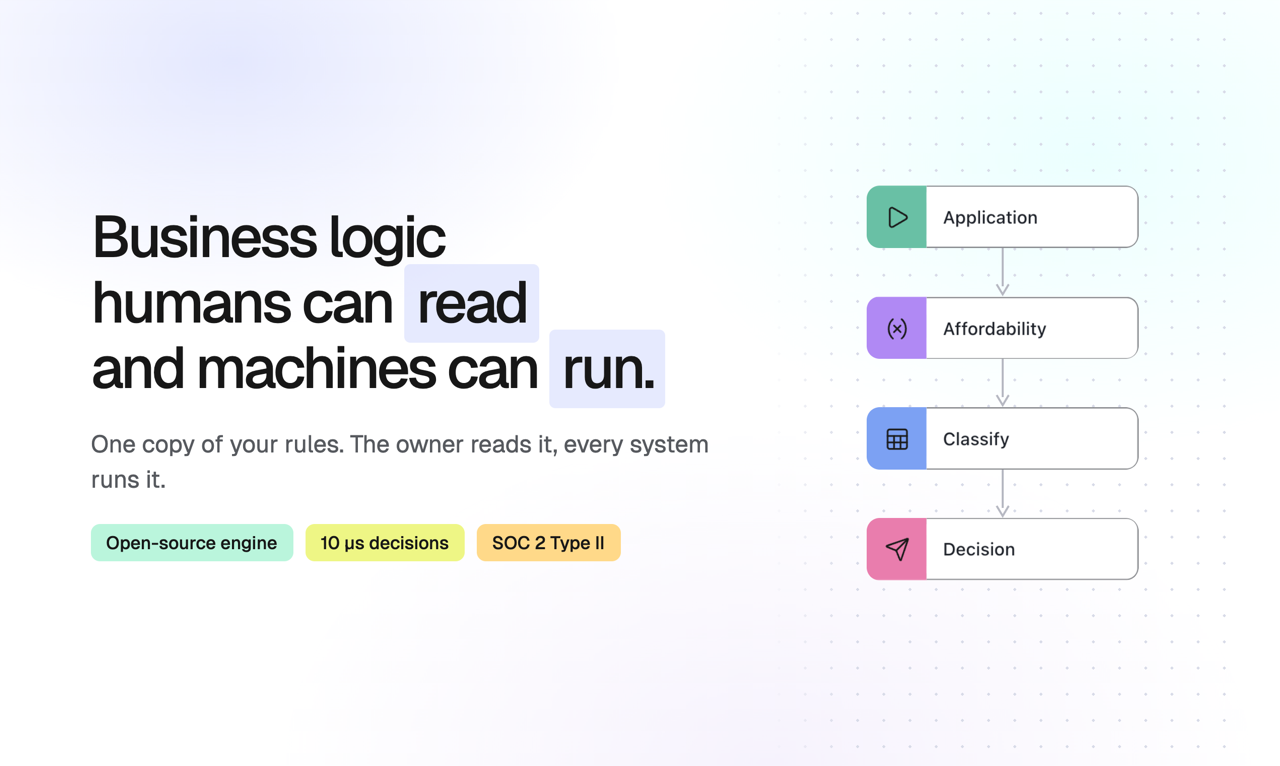
ZEN Engine is a cross-platform, open-source Business Rules Engine (BRE) written in Rust with native .NET bindings, alongside Node.js, Python, Go, Java and Kotlin. Decisions evaluate in microseconds, run identically on every platform, and are stored as portable JSON Decision Models (JDM). Loading the JSON is up to you: file system, database or service call.
Try it in the free Online Editor with a built-in simulator, or embed the open-source React JDM Editor in your own product. Learn more about the C# rules engine on the GoRules website.
Installation
dotnet add package GoRules.ZenEngine
Quick Start
using GoRules.ZenEngine;

// Create an engine and evaluate
var engine = new ZenEngine(loader: null, customNode: null);
var decision = engine.CreateDecision(new JsonBuffer(File.ReadAllBytes("my-decision.json")));
var context = new JsonBuffer("""{"input": 42}""");
var response = await decision.Evaluate(context, null);
Console.WriteLine(response.result);
Loader Configurations
The loader argument accepts either a callback (ZenLoader.Callback) or a loader configuration
of a known type. With a configuration, decisions are pre-loaded and pre-compiled at engine
creation for faster evaluations:
var fsEngine = new ZenEngine(loader: new ZenLoader.Filesystem("decisions"));
var zipEngine = new ZenEngine(loader: new ZenLoader.Zip(File.ReadAllBytes("decisions.zip")));
var cbEngine = new ZenEngine(loader: new ZenLoader.Callback(new FileLoader()));
Features
- Decision Tables - Rule tables with first/collect hit policies
- Expression Language - Built-in ZEN expression language with functions like
sum(),filter(),map() - Custom Nodes - Extend the engine with custom node handlers
- Tracing - Full execution trace for debugging and auditing
- Cross-platform - Native libraries for Windows (x64), macOS (x64/ARM), Linux (x64/ARM)
Tracing
Enable tracing to inspect the execution of each node:
var options = new ZenEvaluateOptions(maxDepth: null, trace: true);
var decided = await decision.Evaluate(context, options);

foreach (var (nodeId, trace) in decided.trace!)
{
    Console.WriteLine($"{trace.name}: {trace.output}");
}
Expression Evaluation
Evaluate expressions directly without a decision file:
// One-off evaluation
var result = ZenUniffiMethods.EvaluateExpression(
    "sum(items) * multiplier",
    new JsonBuffer("{\"items\": [10, 20, 30], \"multiplier\": 2}")
);

// Compiled expression (reusable, better performance)
var expr = ZenExpression.Compile("a + b * 2");
var output = expr.Evaluate(new JsonBuffer("{\"a\": 1, \"b\": 10}"));
Console.WriteLine($"output: {output}");
expr.Dispose();
Custom Nodes
Extend the engine with custom logic:
using var myEngine = new ZenEngine(loader: new FileLoader(), customNode: new MyCustomNode());
var myResponse = await myEngine.Evaluate("custom.json", context, options);
Console.WriteLine(myResponse.result);

// Custom node handler
class MyCustomNode : ZenCustomNodeCallback
{
    public Task<ZenEngineHandlerResponse> Handle(ZenEngineHandlerRequest request) =>
        Task.FromResult(new ZenEngineHandlerResponse(
            output: new JsonBuffer("""{"result": "custom"}"""),
            traceData: null
        ));
}

// Implement a loader to resolve decision files
class FileLoader : ZenDecisionLoaderCallback
{
    public Task<JsonBuffer?> Load(string key) =>
        Task.FromResult<JsonBuffer?>(new JsonBuffer(File.ReadAllBytes(key)));
}
Other platforms
- Node.js - GitHub | Documentation | npm
- Python - GitHub | Documentation | PyPI
- Go - GitHub | Documentation
- Java / Kotlin - GitHub | Documentation | Maven Central
- .NET - GitHub | Documentation | NuGet
- Rust (Core) - GitHub | Documentation | crates.io
Links
- GoRules - the platform around the open-source engine: managed cloud, self-hosted, or embedded. SOC 2 Type II.
- .NET SDK Documentation
- GitHub Repository
- JDM Editor