 har7an
bdf20eef50
har7an
bdf20eef50
* test(e2e): Write a regression test to validate behavior

w.r.t. loading and determining the session layout file. Compared to
release v0.43.1, right now there is a problem where `zellij --layout
NAME`, with `NAME` being the filename of a layout in the
`$ZELLIJ_DATA_DIR/layouts/` subfolder, doesn't resolve to the correct
layout file. Instead, zellij will silently fall back to its default
config. It does, however, recognize nonexistent configuration files.

* fix(utils): Treat bare layout names as file paths first

before defaulting to builtin layout names. This restores the behavior
shown by zellij up until 0.43.1, which was altered in a recent extension
of the server-client API.

* fix: Forward client layout information to startup code

and ensure it isn't ignored along the way. Update a bunch of tests to
react to the new function interface and write new tests to catch
deviations in the future.

* test: Fix misconfigured e2e test

to ensure that a custom `--config-dir` is indeed respected during
application startup.

* test: Rewrite config dir test to not use variable metadata

since the `LayoutInfo` object previously dumped into the snapshot
contains information that isn't platform agnostic, including an absolute
file path and a timestamp.

* docs(CHANGELOG): Mention PR #4640

in the list of changes for the next release.

* fix: Handle bare layouts with name "default" correctly

and assume a "default" layout if no layout name is given during layout
resolution. "default" may not always be the builtin default layout,
since users can write their own "default.kdl" that takes effect when
placed in the layout directory an no other layouts are explicitly
specified.

Zellij



[Installation] [Screencasts & Tutorials] [Configuration] [Layouts] [FAQ]
What is this?
Zellij is a workspace aimed at developers, ops-oriented people and anyone who loves the terminal. Similar programs are sometimes called "Terminal Multiplexers".
Zellij is designed around the philosophy that one must not sacrifice simplicity for power, taking pride in its great experience out of the box as well as the advanced features it places at its users' fingertips.
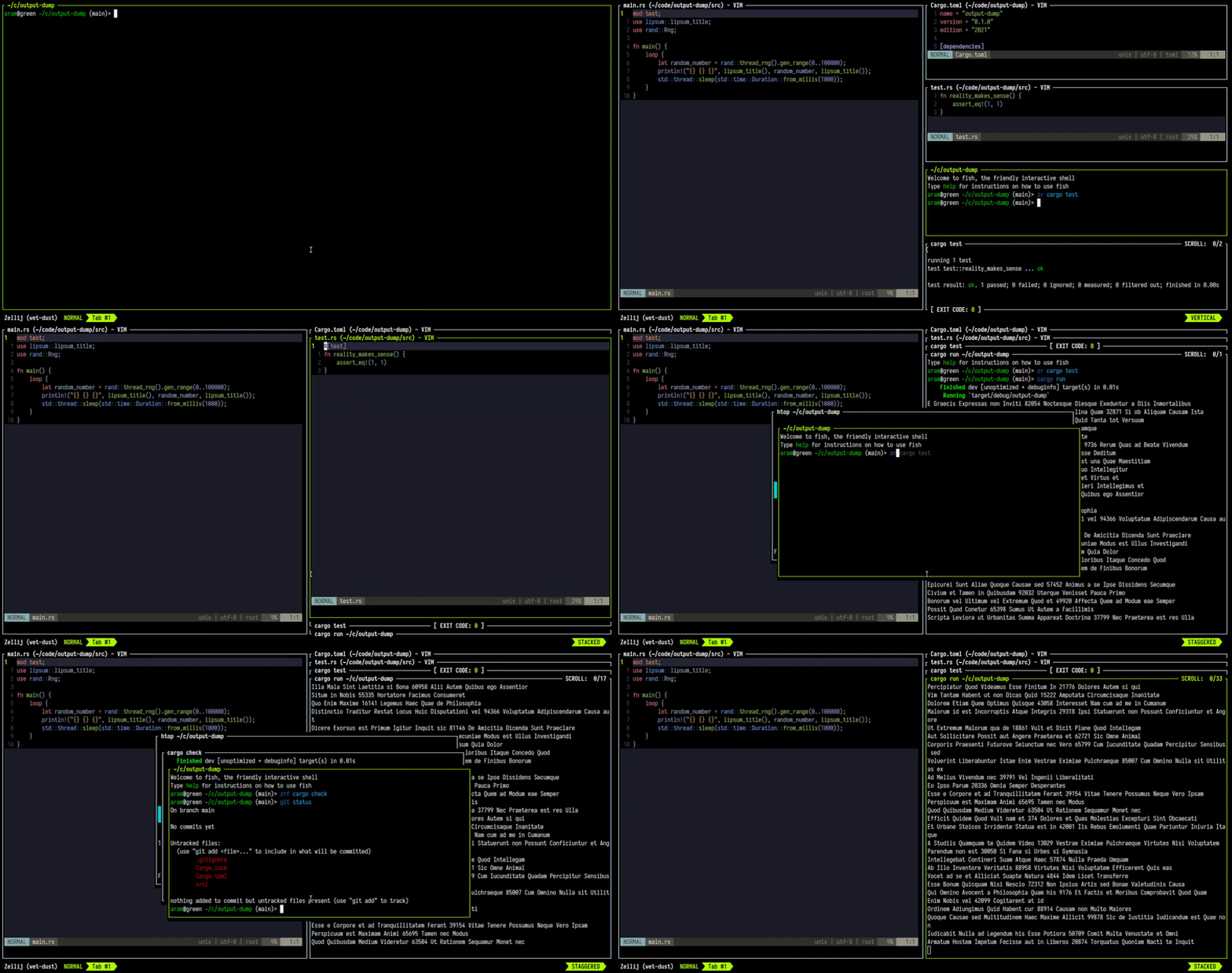
Zellij is geared toward beginner and power users alike - allowing deep customizability, personal automation through layouts, true multiplayer collaboration, unique UX features such as floating and stacked panes, and a plugin system allowing one to create plugins in any language that compiles to WebAssembly.
Zellij includes a built-in web-client, making a terminal optional.
You can get started by installing Zellij and checking out the Screencasts & Tutorials.
For more details about our future plans, read about upcoming features in our roadmap.
How do I install it?
The easiest way to install Zellij is through a package for your OS.
If one is not available for your OS, you could download a prebuilt binary from the latest release and place it in your $PATH. If you'd like, we could automatically choose one for you.
You can also install (compile) with cargo:
cargo install --locked zellij
Try Zellij without installing
bash/zsh:
bash <(curl -L https://zellij.dev/launch)
fish/xonsh:
bash -c 'bash <(curl -L https://zellij.dev/launch)'
Installing from main
Installing Zellij from the main branch is not recommended. This branch represents pre-release code, is constantly being worked on and may contain broken or unusable features. In addition, using it may corrupt the cache for future versions, forcing users to clear it before they can use the officially released version.
That being said - no-one will stop you from using it (and bug reports involving new features are greatly appreciated), but please consider using the latest release instead as detailed at the top of this section.
How do I start a development environment?
- Clone the project
- In the project folder, for debug builds run:
cargo xtask run - To run all tests:
cargo xtask test
For more build commands, see CONTRIBUTING.md.
Configuration
For configuring Zellij, please see the Configuration Documentation.
About issues in this repository
Issues in this repository, whether open or closed, do not necessarily indicate a problem or a bug in the software. They only indicate that the reporter wanted to communicate their experiences or thoughts to the maintainers. The Zellij maintainers do their best to go over and reply to all issue reports, but unfortunately cannot promise these will always be dealt with or even read. Your understanding is appreciated.
Roadmap
Presented here is the project roadmap, divided into three main sections.
These are issues that are either being actively worked on or are planned for the near future.
If you'll click on the image, you'll be led to an SVG version of it on the website where you can directly click on every issue
Origin of the Name
From Wikipedia, the free encyclopedia
Zellij (Arabic: الزليج, romanized: zillīj; also spelled zillij or zellige) is a style of mosaic tilework made from individually hand-chiseled tile pieces. The pieces were typically of different colours and fitted together to form various patterns on the basis of tessellations, most notably elaborate Islamic geometric motifs such as radiating star patterns composed of various polygons. This form of Islamic art is one of the main characteristics of architecture in the western Islamic world. It is found in the architecture of Morocco, the architecture of Algeria, early Islamic sites in Tunisia, and in the historic monuments of al-Andalus (in the Iberian Peninsula).
License
MIT
